The job to finish
Australian sole traders, freelancers, contractors, and small businesses who want a browser invoice tool can move from work completed to invoice sent without starting from a blank template.
free online invoice generator Australia
Use a free online invoice generator Australia tool for ABN and TFN work: start without sign-in, add GST/no-GST items, preview live, then export PDF or image files.
Create the invoice online in the moment you need it: customer, work, amount, payment details, preview, and export in one browser workflow.
Open the invoice tool, enter the supplier and customer, invoice number and dates, work or products and agreed prices. Choose the actual GST treatment and review the customer copy before PDF or image export.
Start without signing in. Anonymous local use has 3 free PDF/image exports per day, or 5 with free sign-in; free output carries branding. Downloadable Word, Excel and fillable PDF files are alternatives, not automatic invoice sending.
Send the checked file using your own email or messaging application. Create a new invoice for a new job or billing period, and keep the previous customer copy for your records.
The existing button above opens the full invoice tool for filling, preview and export. Download the files below without an account; replace placeholders and check the result.
Start without an account: 3 free PDF/image exports per day locally, or 5 with a free signed-in account. Free output carries branding. Occasional invoicing can stay free; consider paid features only when repeated invoicing makes them useful.
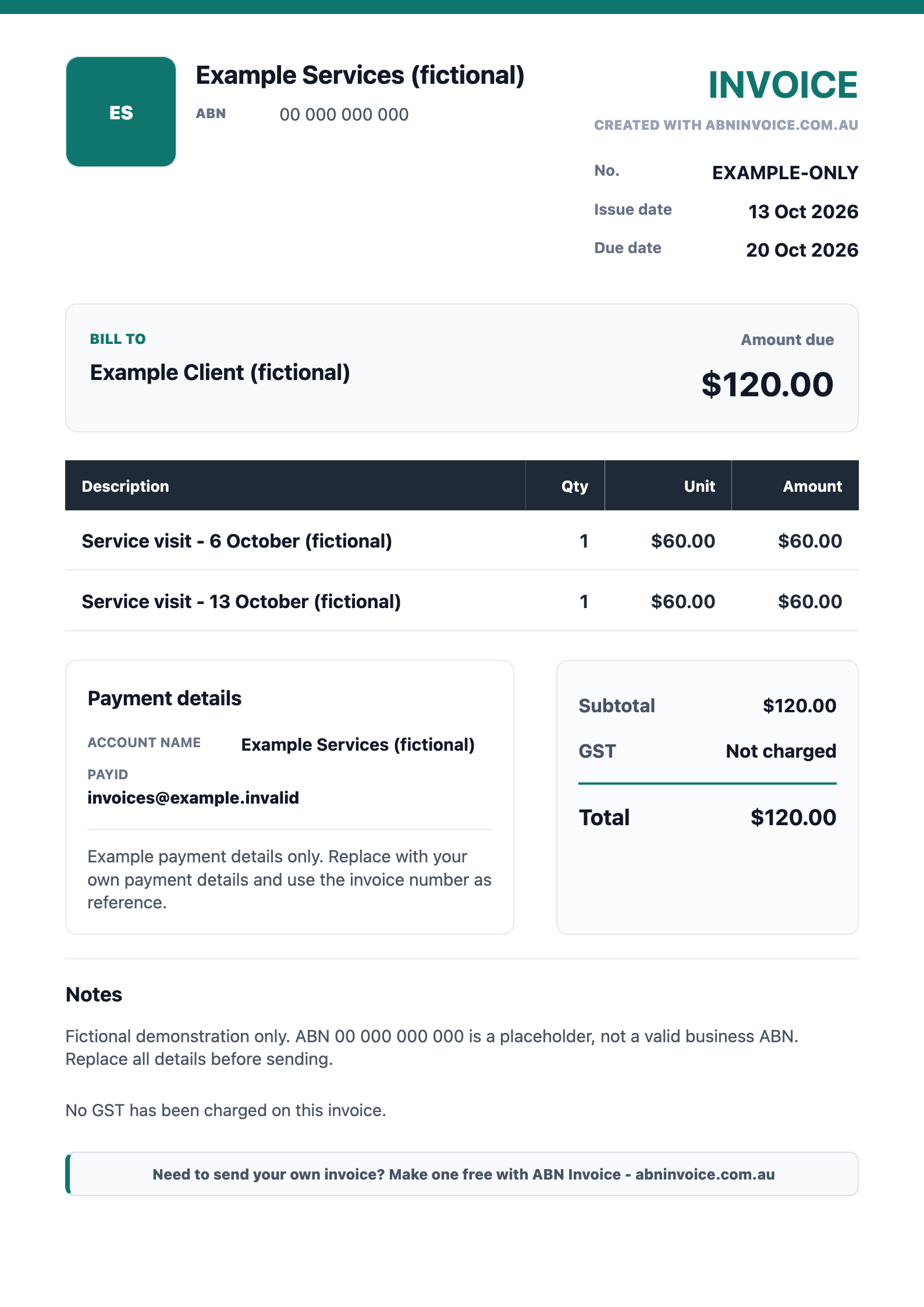
Need a different format or example? General Word, Excel and PDF templates and examples · Invoice for a supplier not registered for GST
Finish the task
Create the invoice online in the moment you need it: customer, work, amount, payment details, preview, and export in one browser workflow.
Enter business and customer details, abn / tfn and gst/no-gst fields, payment details, pdf export, image export, and history options, preview the document, and export a PDF or phone-friendly image.
Quick answer
ABN Invoice is a free Australian invoice generator for ABN and TFN workers. It creates invoices, receipts, and quotes with ATO-guided invoice fields, GST or no-GST line items, live preview, PDF export, image export, no sign-up required to start, and mobile-friendly sharing.
Fast-start promise
Related invoice tools
These links are selected for this page's task, so the next checker, example, template, or generator stays relevant to the invoice you are making.
ATO-guided fields
Check ABN, GST, no-GST, tax invoice fields, due dates, invoice numbers, and payment details against practical Australian invoice requirements.
Source-grounded notes
Key facts
These short facts are visible to readers and summarize the page without implying ATO approval, tax advice, or accounting software replacement.
Australian sole traders, freelancers, contractors, and small businesses who want a browser invoice tool can move from work completed to invoice sent without starting from a blank template.
Export PDF or image files, save history, mark invoices sent or paid, and use archive tools when records need to be handed to an accountant.
Create the invoice online in the moment you need it: customer, work, amount, payment details, preview, and export in one browser workflow.
ABN Invoice keeps the document workflow focused: business details, customer details, line items, GST or no-GST treatment, payment details, preview, export, and history. It is built for practical Australian invoicing records rather than a heavy accounting setup.
ABN Invoice is a document creation tool. It does not provide tax, accounting, legal, or financial advice. Check official guidance or your adviser when obligations are unclear.
This page is for users who want a working browser invoice tool, not a static Word, Excel, or PDF template that still needs layout repair.
The free workflow is designed for a first invoice, a one-off customer, or a small job where speed matters more than a full accounting setup.
These are practical questions that show up around ABN, GST, phone invoicing, and small-job invoice records.
An online invoice generator calculates totals, updates a live preview, and exports a finished file. A static template usually needs manual editing and layout checks.
Yes. The workflow includes ABN-style business details, customer details, item lines, GST or no-GST settings, payment details, and export options.
The workflow is built around Australian ABN, GST or no-GST, payment details, phone export, and simple invoice history rather than a generic global template.
Open ABN Invoice in a desktop or mobile browser and begin with the core invoice fields.
Add the customer, service description, quantity, rate, GST or no-GST setting, due date, and payment details while watching the invoice update.
Save a PDF for email or a phone-friendly image for quick sharing, then optionally sign in free to keep cloud history.
Choose the next invoice task for your customer or job.
Yes. You can start making an invoice without signing in. Sign in free only when you want cloud history.
Yes. ABN Invoice can export customer-ready PDF files and phone-friendly image files.
Yes. GST can be enabled or disabled depending on how the invoice line items should be shown.
No. It is a focused invoice, receipt, and quote document tool, not accounting, tax, legal, or financial advice.
This workflow creates and retains invoice documents online; it is not a full bookkeeping, bank-feed or BAS system.